VivixCore is the voice keyboard for Windows. Hold a key, talk the way you normally do, and polished, on-tone text lands in whatever app you’re in.
60 free cloud minutes a month · Unlimited on your own key · Works offline
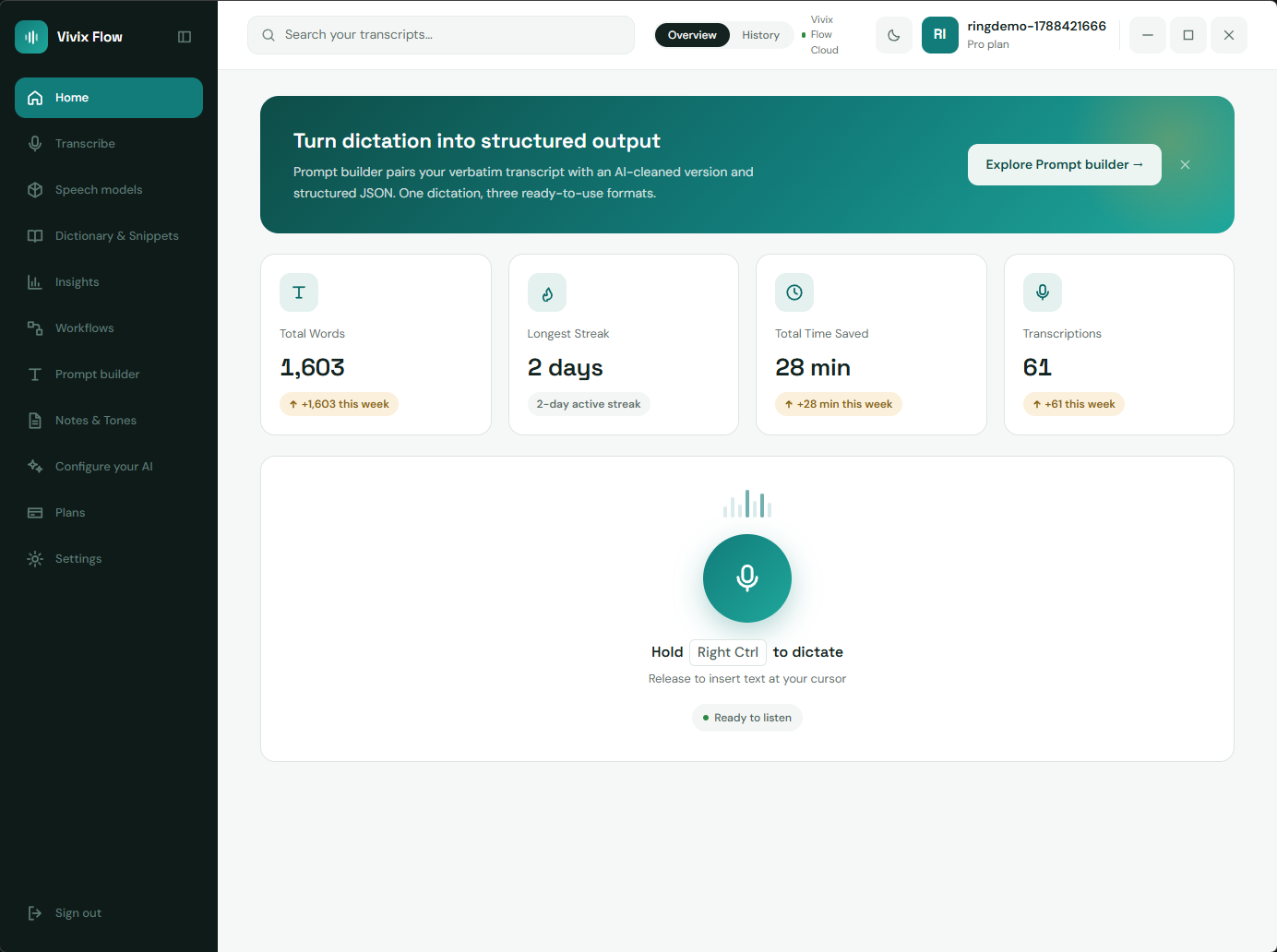
Types straight into the apps you already use
Languages
including Urdu, Roman Urdu and Hindi, mixed mid-sentence
Tone templates
one click from casual to client-ready, no prompt writing
Faster than typing
speech runs near 150 words a minute, typing near 45
To start
free forever, and unlimited on your own key or offline
Why VivixCore
People speak three times faster than they type. Most dictation still hands back a wall of ums you have to clean up. VivixCore cleans it before it types: in your tone, in your language, in the app you're already in.
What you get
Four things VivixCore does better than typing, and better than the dictation built into Windows.



Client Mode
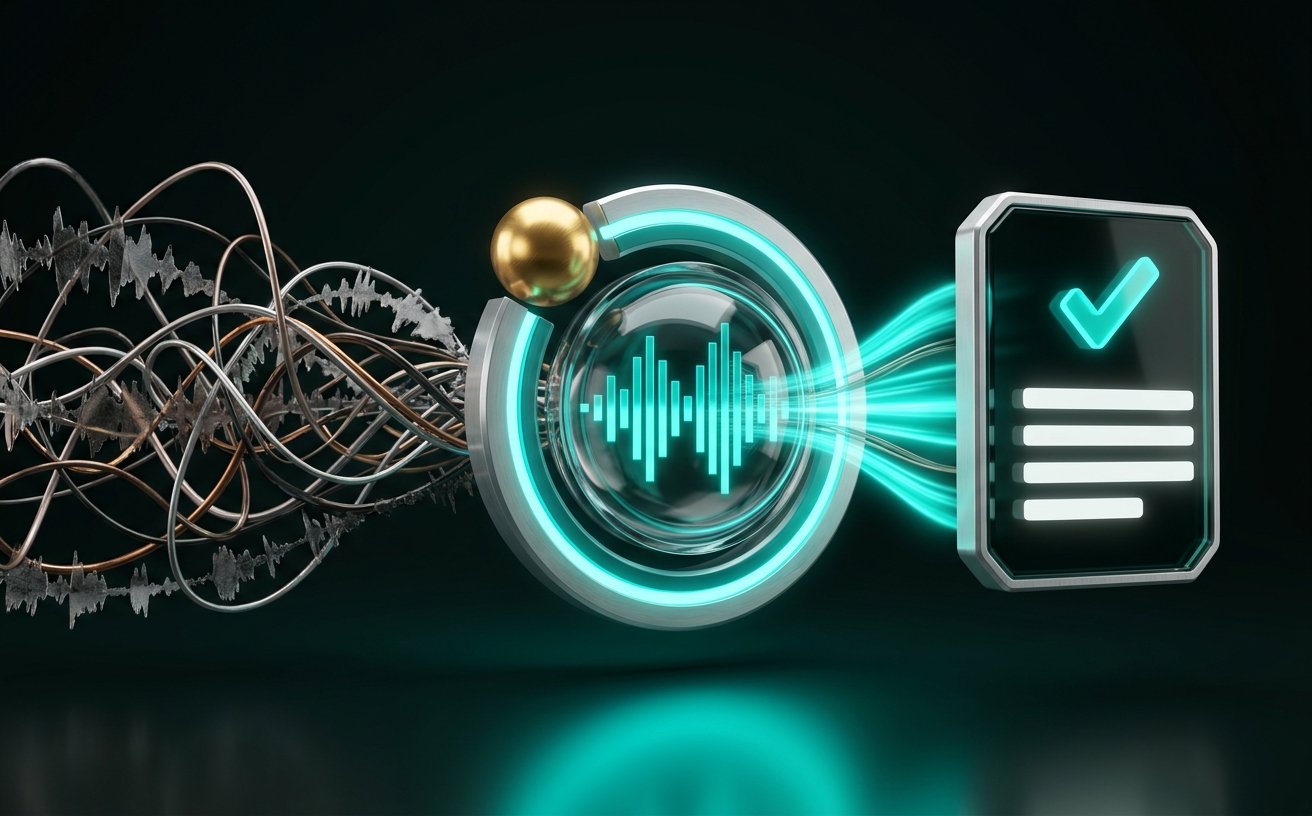
Say the blunt version out loud. VivixCore rewrites it in the tone you pick, then types the polished one. The messy version never leaves your head.
“Bro tell the client the design will be late by 2 days because we are fixing the header bug”
The design deliverable will ship two days later than planned. We found a header rendering issue in QA and are resolving it now to protect the quality of the final handoff.
Rewrites before it types
No pasting into a chatbot and back. The on-tone version is what lands at your cursor.
A tone for every app
Formal in Outlook, brisk in Slack. Bind a tone to an app and it switches as you move.
Nothing to set up
All 10 templates ship tuned and ready. Pick one and it's live, with no prompt to write.
How it works
Three steps and no configuration. The hotkey is the whole interface.
- 01
Hold Right Ctrl
The mic pill appears next to your cursor, on whichever monitor you're working on, with a live meter so you can see it's hearing you.
- 02
Talk the way you talk
Ramble, restart, switch languages mid-sentence. Filler words and false starts are cleaned out, and your custom dictionary keeps names and jargon spelled right.
- 03
Let go. It's typed.
Clean text appears at your cursor in whatever app is in front of you. With Client Mode on, it's already in the right tone. No copy, no paste.
Prefer structure? Send the same recording to Prompt Builder and get a verbatim transcript, a cleaned version and JSON.
Sales & Calls
Your talking points float right under your webcam, so you keep eye contact. On screen share they simply don’t exist. That’s enforced by Windows, not hidden with a trick.
Thanks for making time today. Before I show you anything, I'd love to hear how your team handles client updates right now. What does a normal week look like? Where does the back and forth slow you down the most? That's usually where we save the biggest chunk of time, so let's start there and I'll tailor the demo to it.
Thanks for making time today. Before I show you anything, I'd love to hear how your team handles client updates right now. What does a normal week look like? Where does the back and forth slow you down the most? That's usually where we save the biggest chunk of time, so let's start there and I'll tailor the demo to it.
On your screen: the script sits under your webcam, so reading it looks like eye contact.
Scroll speed
Invisible on
- Zoomhidden
- Google Meethidden
- Microsoft Teamshidden
- OBShidden
Starter scripts, free
- Discovery Call
- Product Demo Pitch
- Objection Pivot
- Webinar Intro
Next in Sales & Calls
Instant Replay
Capture and transcribe the last 60 seconds of what you just said with one keypress. Microphone only, and nothing is saved until you press save.
Practice Arena
Roleplay sales calls against an AI buyer that pushes back on price, authority and timing, then get an instant coaching scorecard.
Objection Handler
On-screen battlecards and rebuttals the moment a prospect raises a pricing or competitor objection on a live call.
Languages
VivixCore listens continuously instead of guessing once, so Urdu and English, Hindi and English, or Roman Urdu typed on a Latin keyboard all come out clean.
You said
“mujhe kal ka summary chahiye, short rakhna”
Roman UrduDetected
Urdu + English
1 passTyped as
Could I get a short summary of yesterday?
clean EnglishBuilt in
Ask a question without leaving the app.
Ask for an answer or a draft out loud. Command Mode reads your saved Notes, threads and Memory, so it answers with your context and types the result at your cursor.
You asked
“what did we promise Acme about the export feature?”
From your Notes
CSV export by the 14th, PDF in the following release. Confirmed on the March 3 call.
Names and jargon, spelled right.
One dictation, three formats.
Write a short follow-up to the client about the deploy slipping, and pull the three blockers from the board.
Say a phrase, fire an action.
“ask claude”
opens claude.ai with your query
“google”
searches what you said
“open”
launches the app you name
“make this a prompt”
rewrites it with AI
Recorded it already? Drop it in.
Drag an audio file here
Always know where you stand.
Context that sticks around.
Save notes by voice. Command Mode uses them, so answers come from what you’ve actually said and decided.
Your AI, your way
Start on VivixCore Cloud with nothing to configure. Move to your own key or run everything on your own hardware whenever you want. Same app, same features.

VivixCore Cloud
Sign in and it works. No keys, no GPU, no setup. Free covers 60 minutes and 100 rewrites a month; Pro covers 40 hours.
Zero setup
Your provider
Connect your own API key and the monthly allowance stops applying, on the Free plan. Keys stay on your device.
Groq · OpenAI · Gemini · Anthropic · DeepSeek · Cerebras · OpenRouter
Fully local
Speech on local Whisper, rewrites on Ollama or LM Studio. No audio leaves your machine and it keeps working with no connection.
Whisper · Ollama · LM Studio
Pricing
Every feature is on the Free plan. Pro buys you volume, speed and early access.
Free Forever
Every feature, on a monthly cloud allowance. No card, nothing expires.
$0forever
Download freeBest for: Trying it properly, light daily use, or anyone on their own key.
Cloud allowance
- 60 minutes a month of VivixCore Cloud transcription
- 100 AI rewrites a month for Client Mode and cleanup
- Unlimited when you use your own API key or local Whisper
Included, no limits on features
- Client Mode all 10 tone templates and per-app tone matching
- Invisible teleprompter 4 starter scripts, speed, opacity, mirror, click-through
- Command Mode with Notes and Memory
- Prompt Builder verbatim, cleaned and JSON from one dictation
- Workflows, Dictionary & Snippets voice triggers and custom spellings
- 99+ languages including Urdu, Roman Urdu and Hindi
- Audio file transcription and the cursor-aware mic pill on every monitor
Pro
Most popularFor daily, high-volume client and call work.
$7/month, billed annually
Start ProBest for: People who dictate for hours, live in Client Mode, or run calls all day.
Everything in Free, plus
- 2,400 minutes a month 40 hours of fast VivixCore Cloud transcription
- High-volume AI rewrites for Client Mode, Command Mode and Workflows
- Zero setup no API keys to manage and no high-end GPU
- Priority cloud routing the fastest turnaround we offer
Early access, at no extra cost
- Instant Replay capture the last 60 seconds you said
- Practice Arena roleplay calls against an AI buyer
- Objection Handler live battlecards on sales calls
Instant Replay, Practice Arena and Objection Handler aren’t in v0.2.3 yet. Pro includes each one at no extra cost as it ships.
Questions
Straight answers to what people ask before they download.
Every feature in v0.2.3, on a monthly cloud allowance of 60 minutes of transcription and 100 AI rewrites. Client Mode and all ten tone templates, the invisible teleprompter and its starter scripts, Command Mode, Notes, Dictionary & Snippets and Prompt Builder are all included and stay included. There's no card and nothing expires. If you run out of cloud minutes, connect your own API key or a local model and the allowance stops applying.
Free forever, no card. Install it, hold Right Ctrl, and say the first thing on your mind.